Publish BCTRL as skill instructions, a runtime API, or a CDP-backed browser target for the agent your users already run.

The unified platform for automation at scale.
BCTRL BETA
Runtime infrastructure for AI agents, with browsers, state, observability, and automation services built in.
Explore the platform →For
Supercharge your
- Agent Skills
- agent-browser CLI
- OpenClaw
- Hermes Agent
- Mastra
Browsers that don't get blocked.
Real fingerprints on real hardware, your pick of proxies, and CAPTCHAs solved in-runtime — so the sites you automate see a person, not a bot.
- Real fingerprintsCurrent, real-device browser fingerprints, refreshed as browsers update — not a patched headless build.
- Real hardwareBrowsers run on a decentralized fleet of real computers — no datacenter ASN for anti-bot systems to flag.
- ProxiesRotating or sticky, targeted by country or region. Save a config once, attach it per runtime.
- Stealth tiersThree levels behind one config field. Run light by default, dial up to ultra on the sites that fight back.
- Persistent identityProfiles carry cookies, storage, and logins across runs — you come back as a known returning user, not a fresh suspect.
- CAPTCHA solvingDetected and solved inside the runtime with human-like motion. No third-party service to wire up.
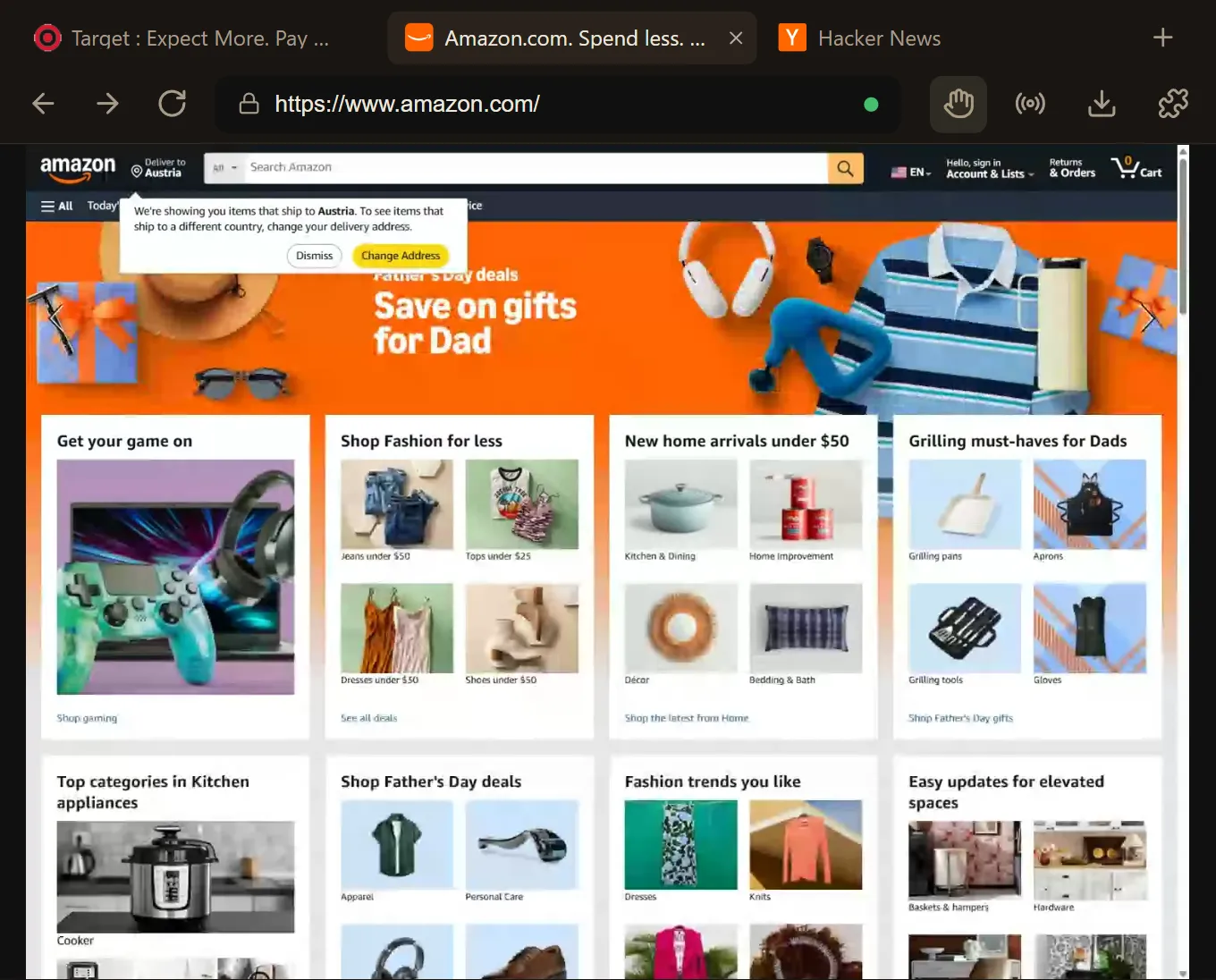
- 0.0sNavigateamazon.com
- 0.4sagent.actlog in and open checkout
- 0.9sClick"Sign in"
- 1.2sCAPTCHA solved1.2s
- 2.4sNavigate/checkout
events 1,204tool calls 6files 2
Three concepts run the whole platform.
Space, Runtime, and Run — learn these and you know BCTRL.
- 01Space
The shared control layer. Mount files, secrets, proxies, and AI config once, then coordinate many runtimes.
- 02Runtime
A remote environment you start, connect to, inspect, and stop. Today that environment is a browser.
- 03Run
The observable record of a runtime session: activity, artifacts, live view, recording, and usage.
Space
browser runtime"scraper"
RUN#2412.4s✓ completed
RUN#242● running
- connection
- cdp
- stealth
- experimental
- proxy
- rotating · US-East
- fingerprint
- chrome · en-US
browser runtime"login"
RUN#87● running
- connection
- cdp
- stealth
- best
- proxy
- sticky · DE-Frankfurt
- vault
- 2 credentials
2 active runs·vault mounted·proxy rotating
import { Bctrl } from '@bctrl/sdk'
import { chromium } from 'playwright'

const bctrl = new Bctrl({ apiKey: process.env.BCTRL_API_KEY! })

// Mount a vault scope onto the space, then launch a runtime in it
const space = await bctrl.spaces.create({
  name: 'login-flow',
  environment: { vault: { allow: ['acme/'] } },
})
const runtime = await bctrl.spaces.runtimes.create(space.id, {
  type: 'browser',
  name: 'crm',
})

const { connection } = await bctrl.runtimes.start(runtime.id)
const browser = await chromium.connectOverCDP(connection.cdpUrl)
const page = await browser.newPage()

// Credentials + a fresh TOTP, straight from the vault
const login = await bctrl.vault.value('acme/login')
await page.fill('#user', login.username)
await page.fill('#pass', login.password)
await page.fill('#otp', (await bctrl.vault.totp('acme/2fa')).code)Let frameworks and long-running agents control a managed browser while BCTRL keeps the run observable.
Embed BCTRL as the runtime layer inside your product so users can watch, debug, and take over agent work.
Show your customers the browser: live embeds in one API call
Live view, replay, and an activity timeline your end-customers can see — minted as expiring URLs, dropped into an iframe, scoped per tenant.
We built one CAPTCHA solver for 15 providers. Here's the architecture.
Adapter registry, one vision call, code-computed drags. How BCTRL's hosted solver handles reCAPTCHA through GeeTest — and the approaches that didn't work.
Stealth is a consistency problem
Detectors don't catch fake values, they catch contradictions. Why BCTRL runs a commercial antidetect engine under its browser API instead of patching Chromium.